



 4.8
4.8

Screenshots



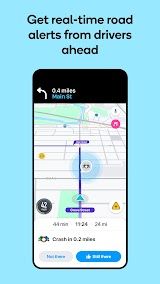
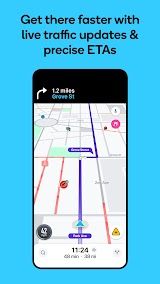


Related Apps






About This App
 Name:
Waze Navigation & Live Traffic
Name:
Waze Navigation & Live Traffic
 Category:
Maps & Navigation
Category:
Maps & Navigation
 Price:
Free
Price:
Free
 Safety:
100% Safe
Safety:
100% Safe
 Developer:
Waze
Developer:
Waze
 Version:
5.6.5.2
Version:
5.6.5.2
Previous APK Versions


 Download Latest APK


Frequently Asked Questions

Look for the prominent "Download Latest APK" to install the latest version of this application, or locate the "Google Play" and "iOS "button on this page which will redirect you to the official app store to complete the download and installation process.
It varies by product. Pricing is shown plainly on every product's page. Some apps cost nothing to install - yet may include in-app purchases. Others might be premium (paid) apps requiring a one-time purchase.
Your safety comes first. While we review each app or game, our team checks it manually - then machines scan it automatically prior to publishing.
We provide extensive information to help you decide! Please check the detailed information including from core features, pros & cons to price and community on our page, or have a look at the screenshots, and ratings to see if the app/game match your expectations.
You can use the search bar at the top of our page. For broader discovery, Click the Apps or Game button at the top of the page to view different categories such as “Art & Design”, “Communication”, “Finance” or “Action”, “Strategy”, “Adventure,” allowing you to accurately find the content you want.
Start by verifying that your device holds sufficient available space. When storage runs low, remove unneeded apps or documents instead. Then examine your network link - either Wi-Fi or cellular service. Poor signal strength usually leads to incomplete downloads.
To ensure smooth use, consider turning on auto-updates via your phone’s settings - like those in Google Play or Apple’s App Store. When updating yourself, check either the APK versions on our site or your device’s store for the latest version.